
AI that explains itself and asks before acting.
Copilot & Agent UX
AI UX design decides how your copilot or agent behaves on screen: what it shows, when it asks before acting and how people undo it. Dot2Shape designs copilot UX for product teams adding AI to software people already use, so the AI feature gets used instead of ignored.
AI features fail on trust.
Most AI features fail on trust: people stop using a copilot when they cannot see what it is doing, check its answers or undo its mistakes, so those are the moments we design first.
Ignored features
5×AI adoption in three months for Qi Card
Adoption you can measure
People use AI they understand. We design the first-run moments that earn a second try.
Agents that act alone
Clear confirmations
The agent shows what it is about to do and waits when the stakes are high.
Answers nobody can check
Sources on screen
Citations and reasoning where people need them, without a wall of text.
Errors that feel like bugs
Graceful failure
Undo, retry and a clean hand-off to a person when the AI is not sure.
What you get.
A copilot UX project gives your team the rules, screens and components to build AI behaviour that feels like part of your product, plus specs your engineers can build from without guessing.
AI UX review
Where your current AI flows lose people, ranked by impact.
Interaction patterns
Confirmations, citations, undo, streaming states and hand-off, written as reusable rules.
Tested prototypes
Clickable flows put in front of real users before engineering commits.
Design system components
AI states and components added to your existing system, so there is no parallel one.
Assistant voice guide
How the AI talks: tone, length, refusals and how it says it is an AI.
Engineering specs
Annotated screens and behaviour notes your developers can build from.
Four to six weeks.
Copilot UX for one product area takes four to six weeks, from user research to engineering specs, and larger products run in phases, one area at a time, so your team can ship as we go.
Review and research
We study your AI flows, analytics and support tickets, and talk to users.
Patterns and prototype
We design the interaction rules and the key flows as a clickable prototype.
Test with users
Real users try the prototype. We fix what confuses them.
Specs and components
Final screens, components and behaviour notes handed to your engineers.
Results, not demos.
AI product
5× AI adoption in three months
AI features designed so people actually use them. Adoption grew five times in one quarter.
UX redesign
70% less POS training time
A point-of-sale interface clear enough that new staff learn it in a fraction of the time.
Where it fits
Copilot and agent UX sits inside our AI Product Studio and builds on our UX/UI design work. Not sure where your AI feature loses people? A UX audit is a quick start. If the agent itself still needs building, our AI Agents & Automation studio builds and runs it.
For Betts, a recruiting platform used by 500+ companies, we designed AI-powered candidate discovery and matching for recruiters. New AI products get the same patterns from the start through AI MVP Design & Development.
Straight answers.
These are the questions product teams ask before they bring in an AI UX design partner, from cost and timing to how we fit your design system.
Copilot and agent UX projects are priced by scope. A focused review and pattern set for one AI feature sits at the low end. A full product area with user testing, prototypes and design system components sits at the high end. We confirm a fixed price after a short call about your product.
Expect an AI UX review ranked by impact, a set of interaction patterns, prototypes tested with real users, design system components for AI states, an assistant voice guide and annotated engineering specs. Everything is delivered in Figma and in a format your developers can build from directly.
Four to six weeks for one product area: one week of research, two weeks of patterns and prototypes, a week of user testing and up to two weeks of specs and components. Larger products run in phases, so your engineers can start building the first area while we design the next.
Copilot UX design is the design of how an AI assistant works inside a product. It covers what the AI shows, when it asks before acting, how it cites sources, and how people correct it or hand over to a person. Dot2Shape tests these patterns with real users before engineering builds them.
Yes. We add AI states and components to the system you already have, in Figma and in your component library, so the copilot looks and behaves like part of your product. Your team keeps one source of truth, and future AI features reuse the same patterns instead of starting over.
Yes. Dot2Shape has designed products for The Dubai Mall, UR Property and Qi Card in the Gulf, and for Betts, a US hiring platform, for 8+ years. Workshops, user tests and reviews run remotely and are scheduled in your working hours, whether your team sits in Dubai, Riyadh, London or San Francisco.
Work that shipped
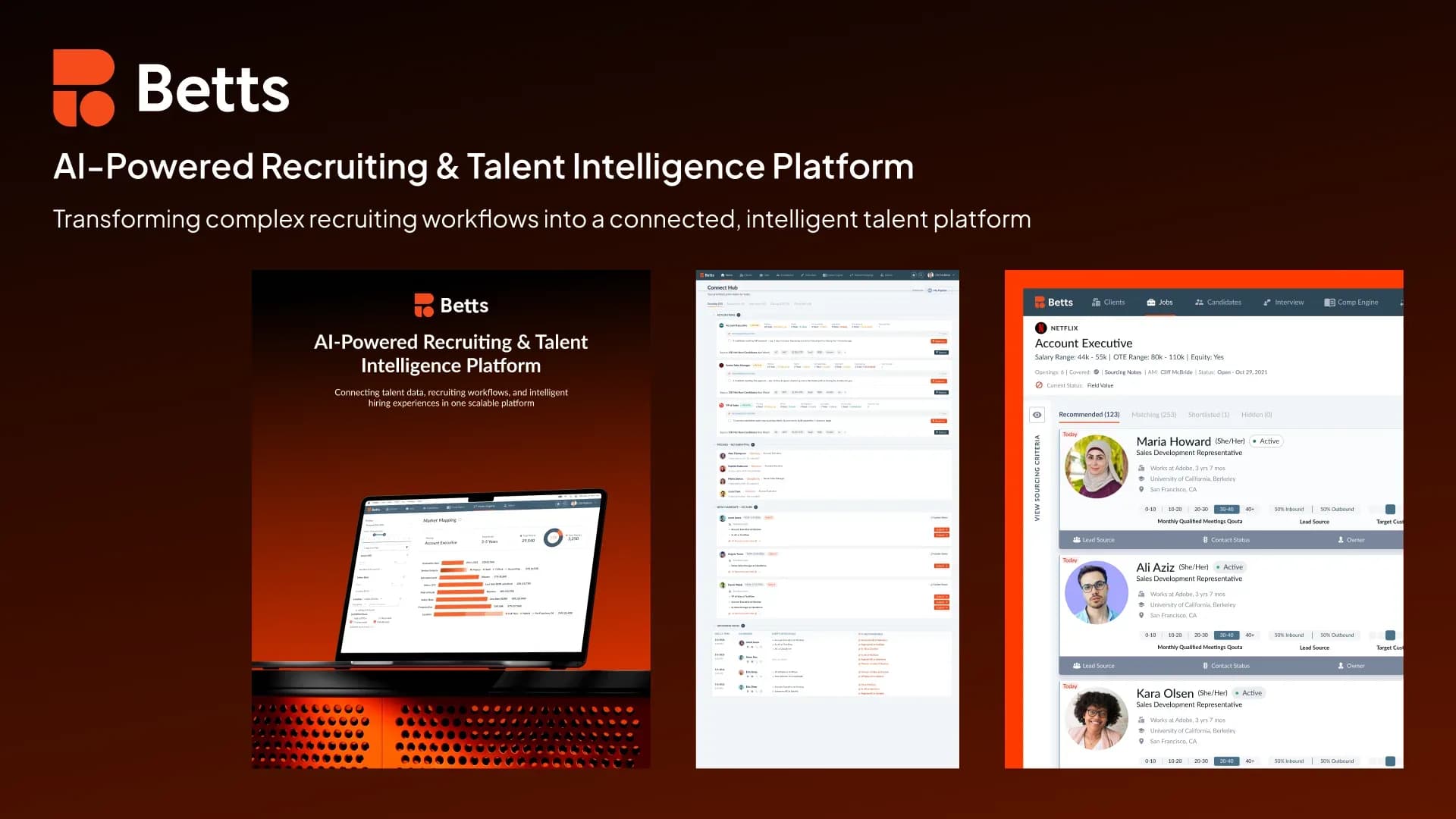
Betts
500+ companies use it, including OpenAI and Cloudflare
AI recruiting and talent intelligence platform for sales and marketing hiring
- Candidate and company intelligence that keeps itself up to date
- Recruiting and pipeline workflows in one place
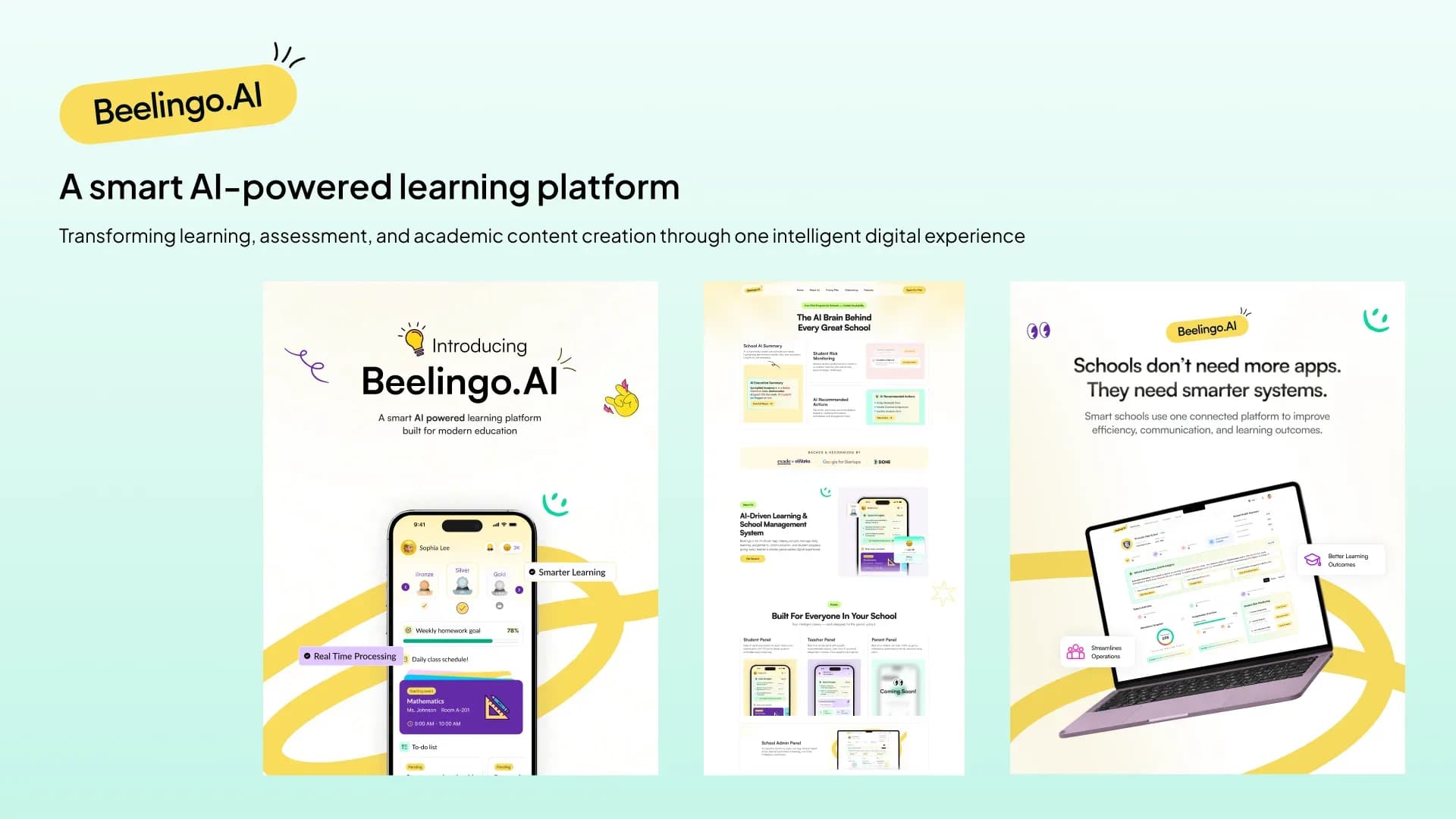
Beelingo.AI
5 user roles on one platform
AI learning and assessment platform for schools
- Simpler education and assessment workflows
- Less manual effort creating academic content
Make your AI feature the one people use.
Send us a link or a screen recording. We will tell you where users get lost.